From a useful reference to your next interface.
Built for front-end developers, designers and anyone who builds websites and wants to learn from great ones.
Copy the styles you see
Uses readable stylesheet rules where possible, and browser-rendered values for complex cascades. Matching pseudo rules are included when available.
Copy in one key
Click to pin, press C. Paste clean, ready-to-use CSS with CSS variables already resolved.
Measure like Figma
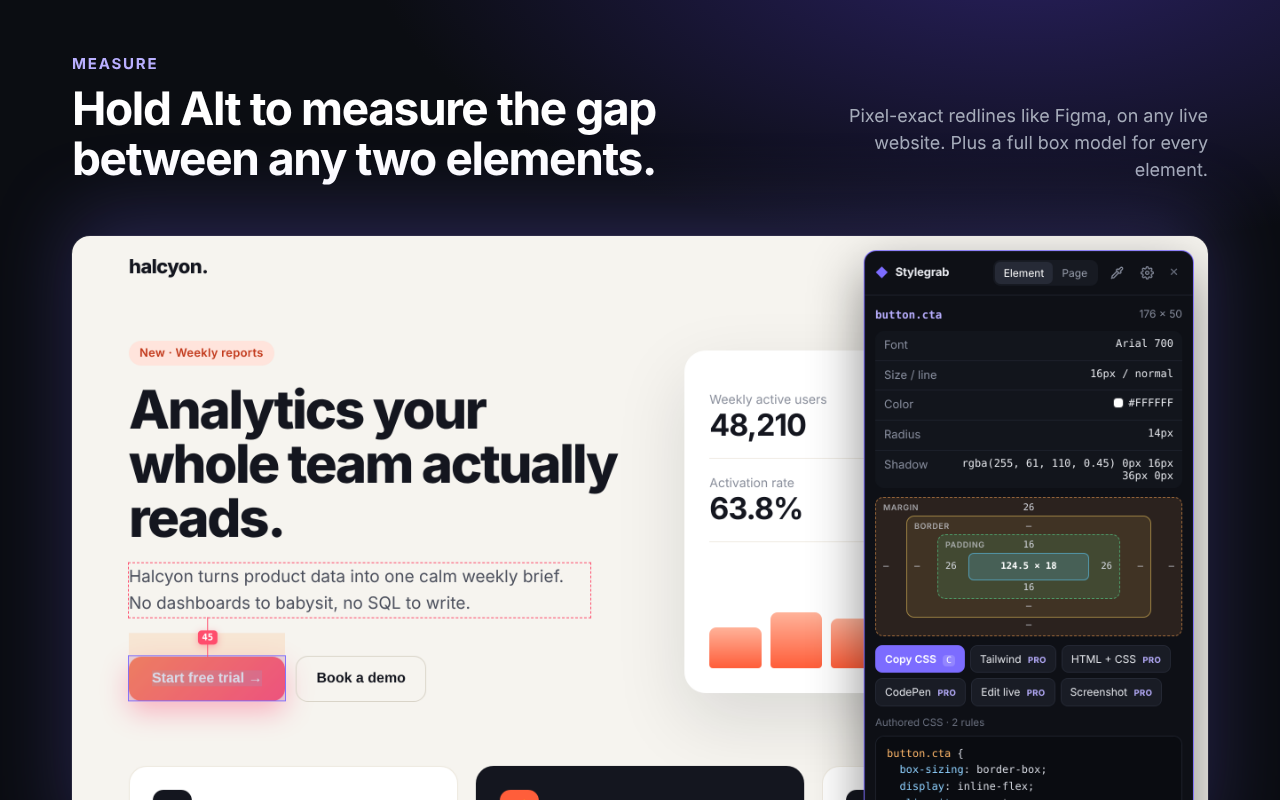
Pin an element, hold Alt and hover another to see the exact pixel gap. Every element also gets a full box model.
Color picker, any format
Pick any pixel on screen and copy it as HEX, RGB, HSL or OKLCH. Copy CSS in px or rem.
Element screenshots PRO
Save any element as a crisp PNG, cropped exactly to its edges, and copy it to your clipboard.
Contrast built in
See the WCAG contrast ratio of any text against its real background. Free, not a paid add-on.
Tailwind classes PRO
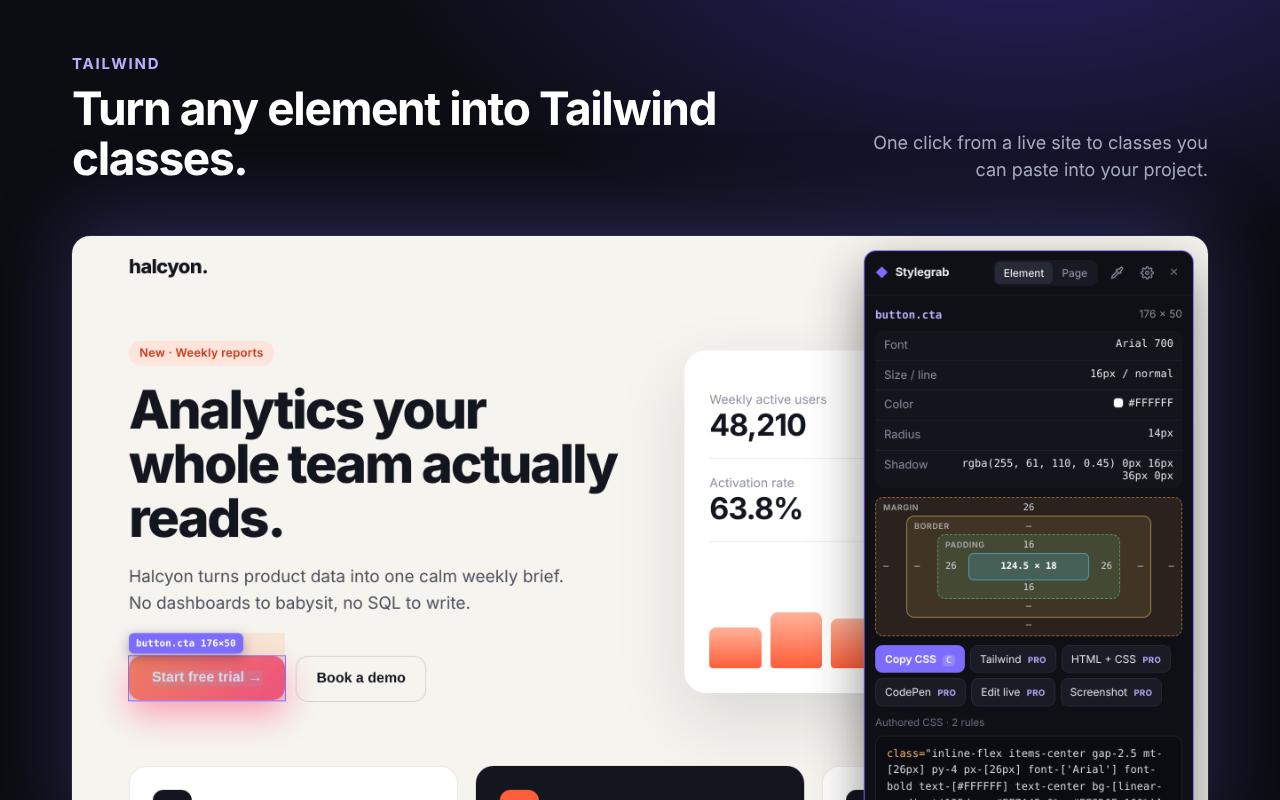
Convert current styles to Tailwind 3/4 classes, keeping individual borders and corners. Adapt the result to your project's layout and theme.
HTML + CSS export PRO
Copy a static snapshot of a component and its children. Choose CodePen export when you want to open that code in a playground.
Inside components and frames
Inspect elements inside open Shadow DOM and same-origin iframes. Private cross-site frames show an explanation and an option to open the frame.
Keyboard first
↑ parent, ↓ child, Space to pause, C to copy, P to pick a color, Alt to measure, Esc to exit. Start it with Alt + Shift + C.
Live CSS editing PRO
Tweak any property right on the page, see the result instantly, then copy your edited CSS or reset.
Design spec for AI PRO
Copy colors, typography and component styles as Markdown for your coding assistant. See a practical workflow.
Tokens & assets PRO
Export the palette and fonts as CSS variables and JSON design tokens, and download a page's images and SVG icons.
Speaks 9 languages
English, Chinese (Simplified and Traditional), Japanese, Korean, Spanish, Portuguese, German and French. It follows your browser automatically. See it
Remembers your setup
Color format, px or rem, and where you put the panel are saved, so it opens exactly how you left it.
From a live site to Tailwind in one click.
Spacing, colors, radius and shadows map to Tailwind's scale when they match, and to exact arbitrary values when they don't.
Hold Alt. Measure anything.
Pixel-exact distances between any two elements on a live website, with margin, border and padding laid out for you.
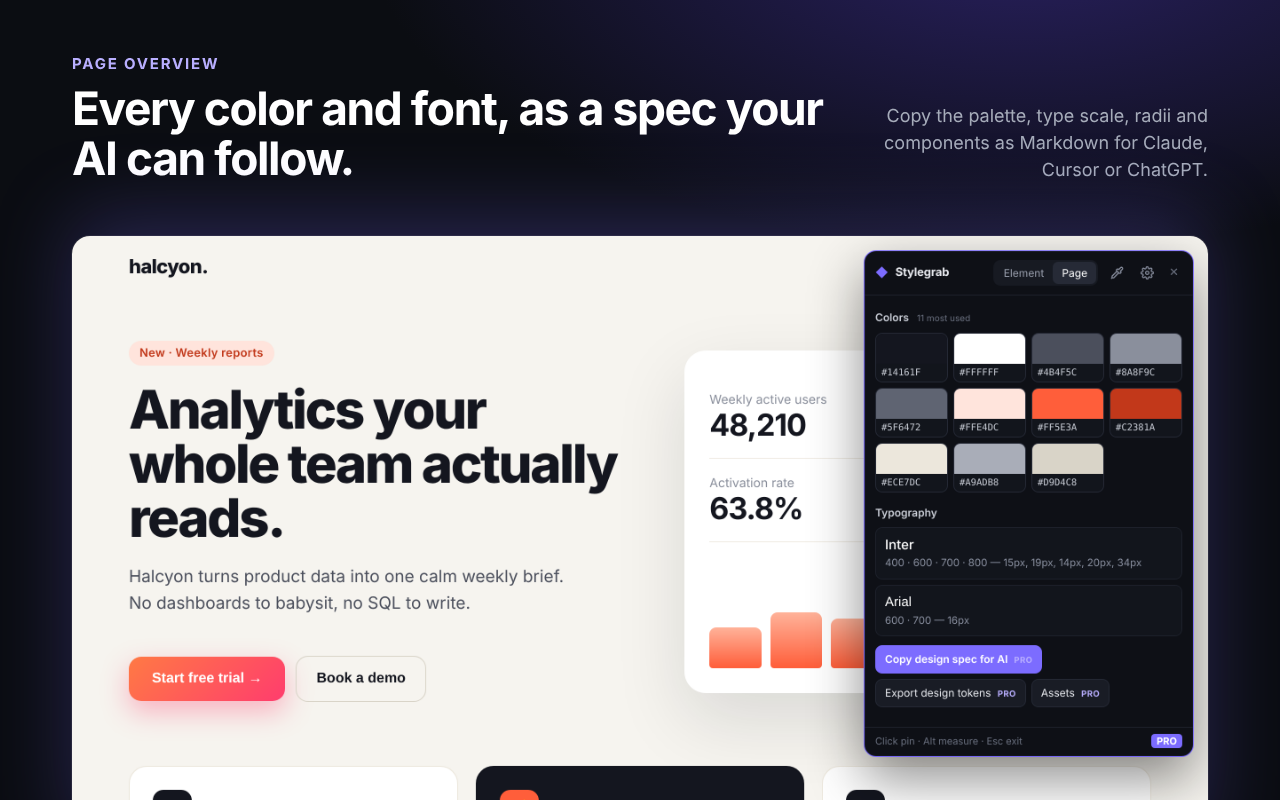
Every color and font on the page.
See a site's palette ranked by use and its type scale at a glance. Click any swatch to copy it.
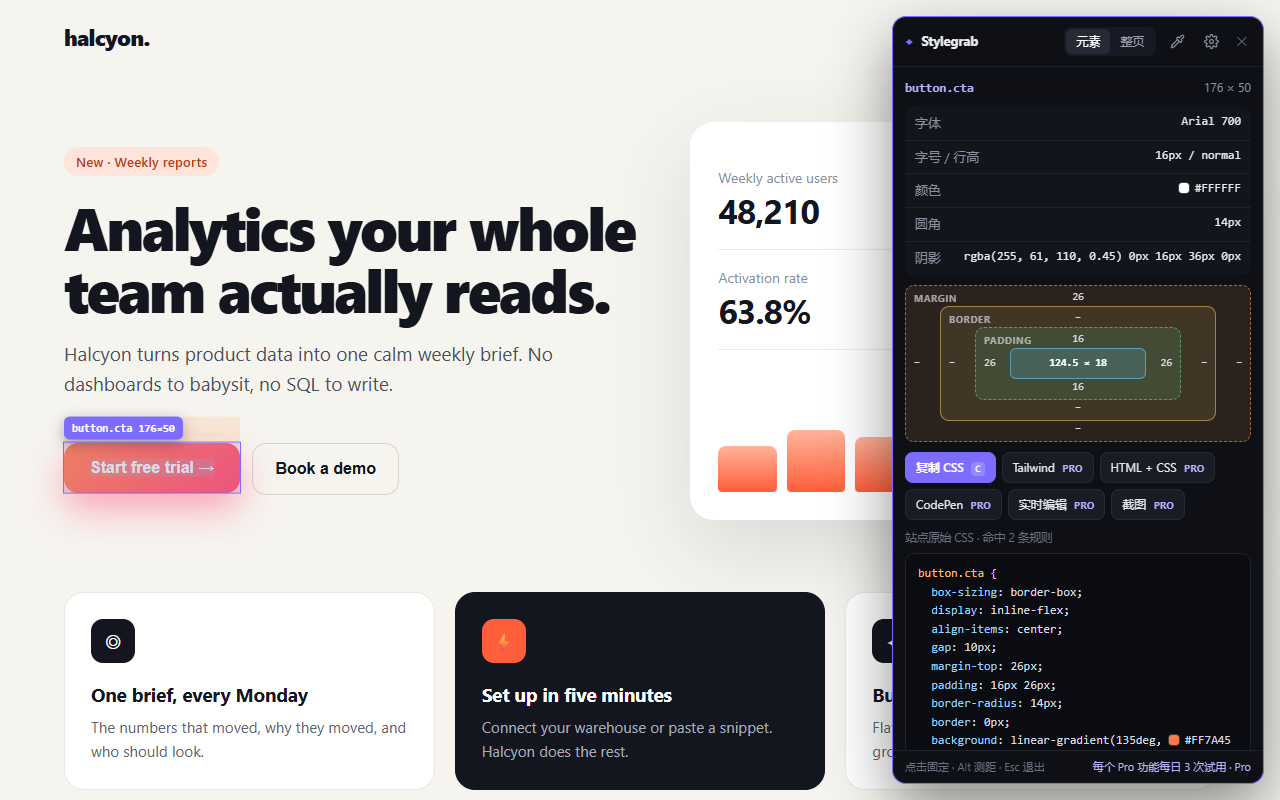
Speaks your language.
The whole interface follows your browser language, from the panel to the settings page. No switch to find, nothing to configure.
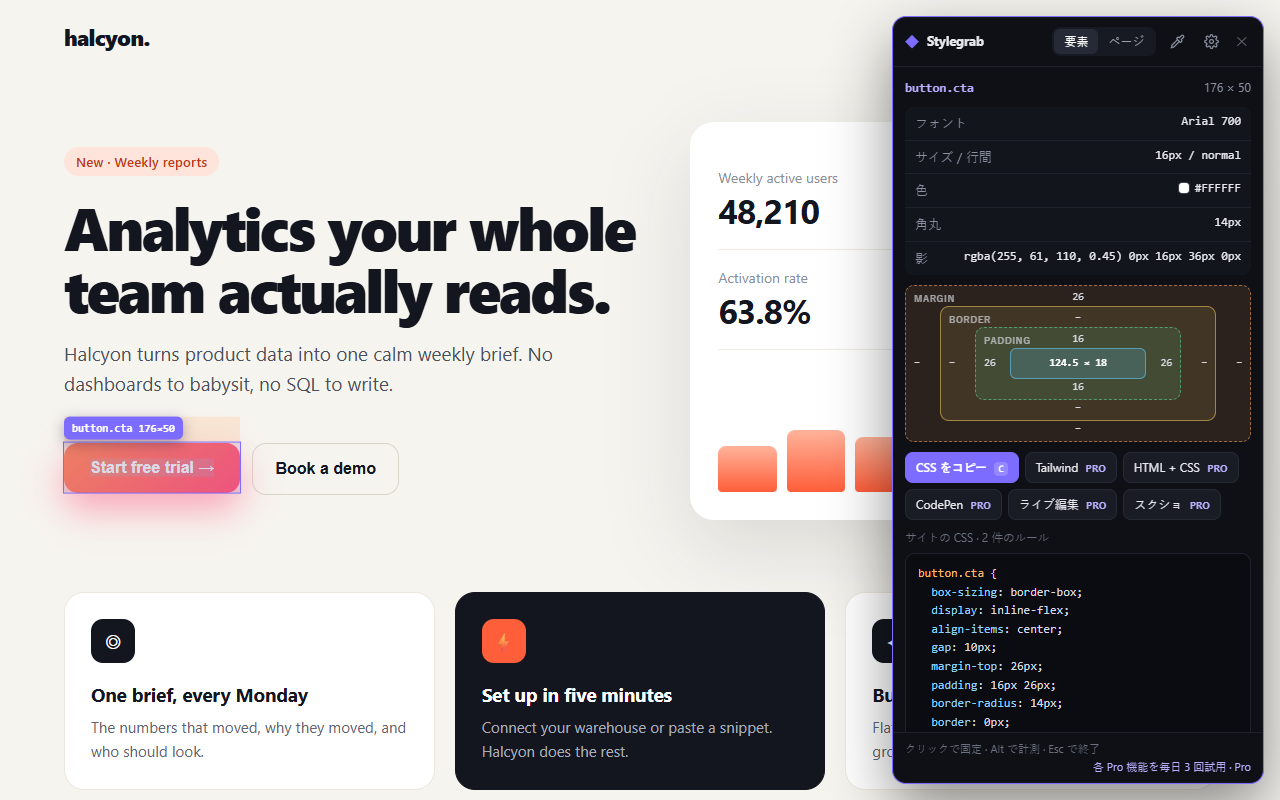
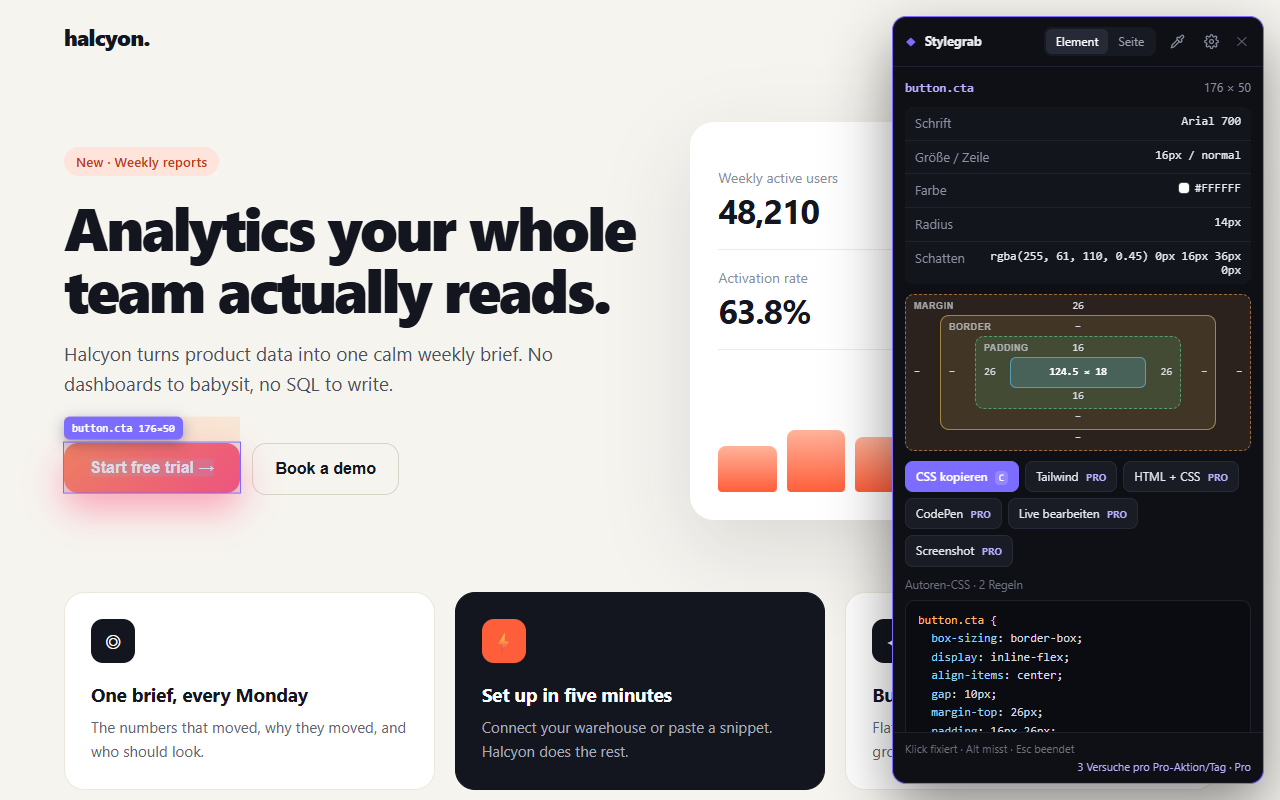
Your tab. Your choice.
Start it when you need it. Keep inspection local. Export only what you choose.
| What matters | Stylegrab | How it works |
|---|---|---|
| Page access | On demand | Click the icon or use Alt+Shift+C |
| Browsing analytics | None | No advertising trackers or injected ads |
| External requests | License operations and chosen exports | CodePen sends the selected HTML/CSS after confirmation |
| Free tools | No daily limit | Inspect, copy CSS, measure, pick colors and check contrast |
| Pro trials | 3 per action per day | Try Tailwind, component export and the other Pro actions |
Simple pricing.
The free plan is genuinely useful. Pro is a one-time purchase — no subscription.
Free
- Hover inspect, box model & measuring
- Copy authored CSS in px or rem
- Color picker & contrast checker
- Page colors & fonts
- Shadow DOM & iframes, 9 languages
- Try every Pro action 3× a day
Pro · planned launch price
- Everything in Free
- Tailwind classes
- HTML + CSS export & CodePen
- Live CSS editing
- Design spec for AI, design tokens & assets
- Element screenshots
- 3 browsers · all 1.x updates · 14-day refund
FAQ
How is this different from Chrome DevTools?
DevTools shows everything; Stylegrab shows what you need. Hover to see the rules that matter, then copy them, convert them to Tailwind or export the whole component.
Why can't it read some styles?
Browsers block reading stylesheets served from other domains without CORS. On those sites Stylegrab falls back to clean computed values, so copying still works.
What leaves my browser?
License operations send your key and installation identifier to the license service. Choosing CodePen export sends the selected HTML and CSS after confirmation. Asset downloads contact their source websites. Inspection and clipboard exports run locally, with no browsing analytics. See the privacy policy.
What does a component export include?
A static HTML/CSS snapshot of up to 400 DOM elements at the current viewport. It does not recreate JavaScript interactions, responsive behavior or the contents of a component's Shadow DOM. Palette and asset scans inspect up to 4,000 elements. Chrome internal pages and the Chrome Web Store cannot be inspected.
When can I install it or buy Pro?
Stylegrab is being prepared for its first Chrome Web Store release. Installation opens when the listing is approved. Pro purchases open after live payment approval; until then the extension includes free tools and three trials per Pro action each day.
Can I get a refund?
Yes. If Pro isn't right for you, email us within 14 days of purchase for a full refund.
Does it work with web components and iframes?
Yes. Stylegrab looks inside open Shadow DOM and same-origin iframes, including their stylesheet rules. Browsers keep frames from other websites private; for those it tells you so and offers to open the frame in its own tab.
Which languages does it speak?
The interface follows your browser language: English, 简体中文, 繁體中文, 日本語, 한국어, Español, Português, Deutsch and Français.
Does it work in Edge, Brave or Arc?
Yes — any Chromium browser that installs extensions from the Chrome Web Store.